

Quick Start Guide
Follow this step-by-step guide to create your account, install the plugin, and connect your first sub-account in 5 minutes.
Get up and running with WhatSnap in under 10 minutes. This guide walks you through account creation, plugin installation, and connecting your first sub-account.
- Valid email address
- GoHighLevel Admin access
- Valid credit card (for the 5-day free trial)
The Installation Process
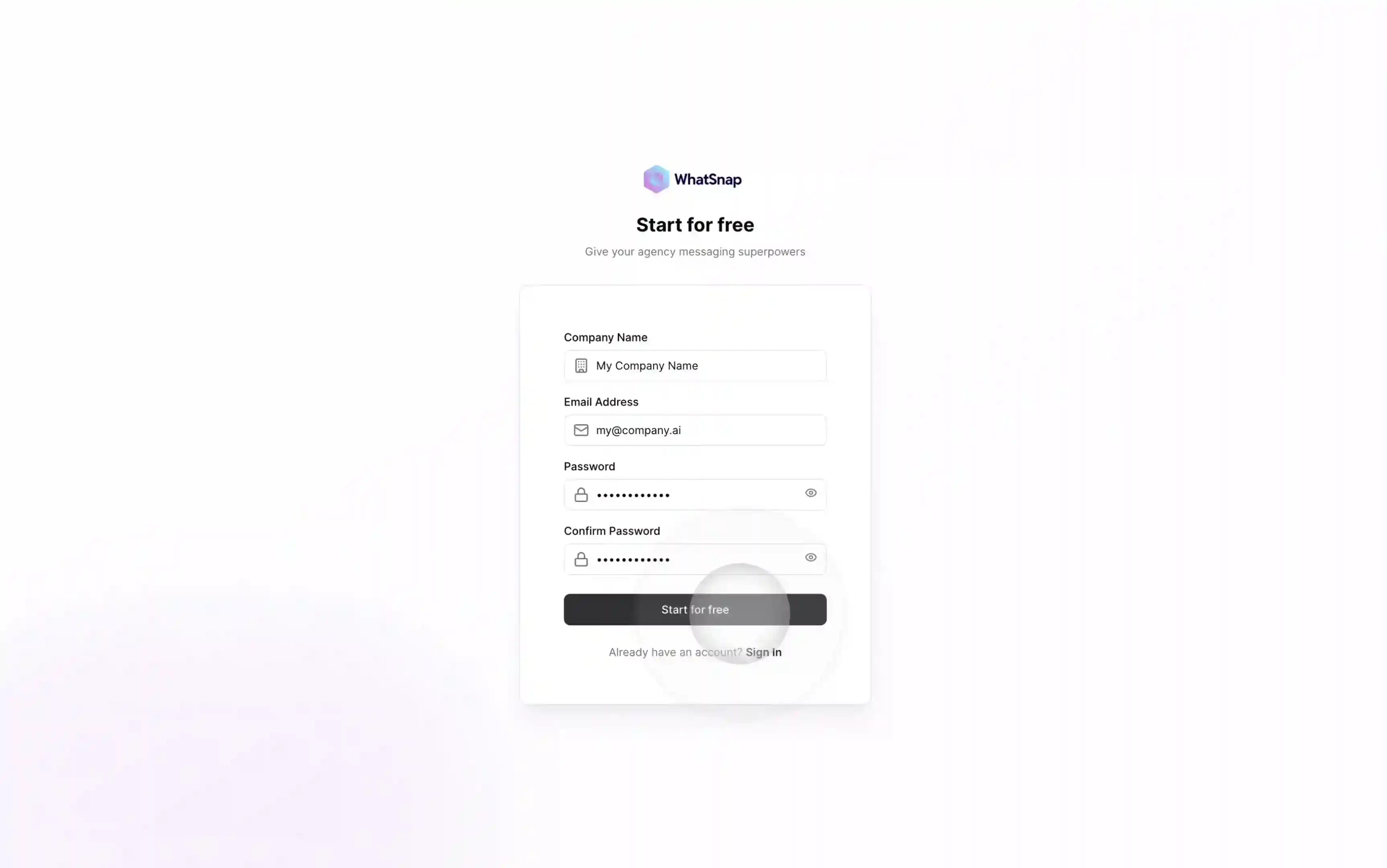
Create Your Account
Start by registering at manager.whatsnap.ai/register. Registration is instant, and you can begin the setup immediately.
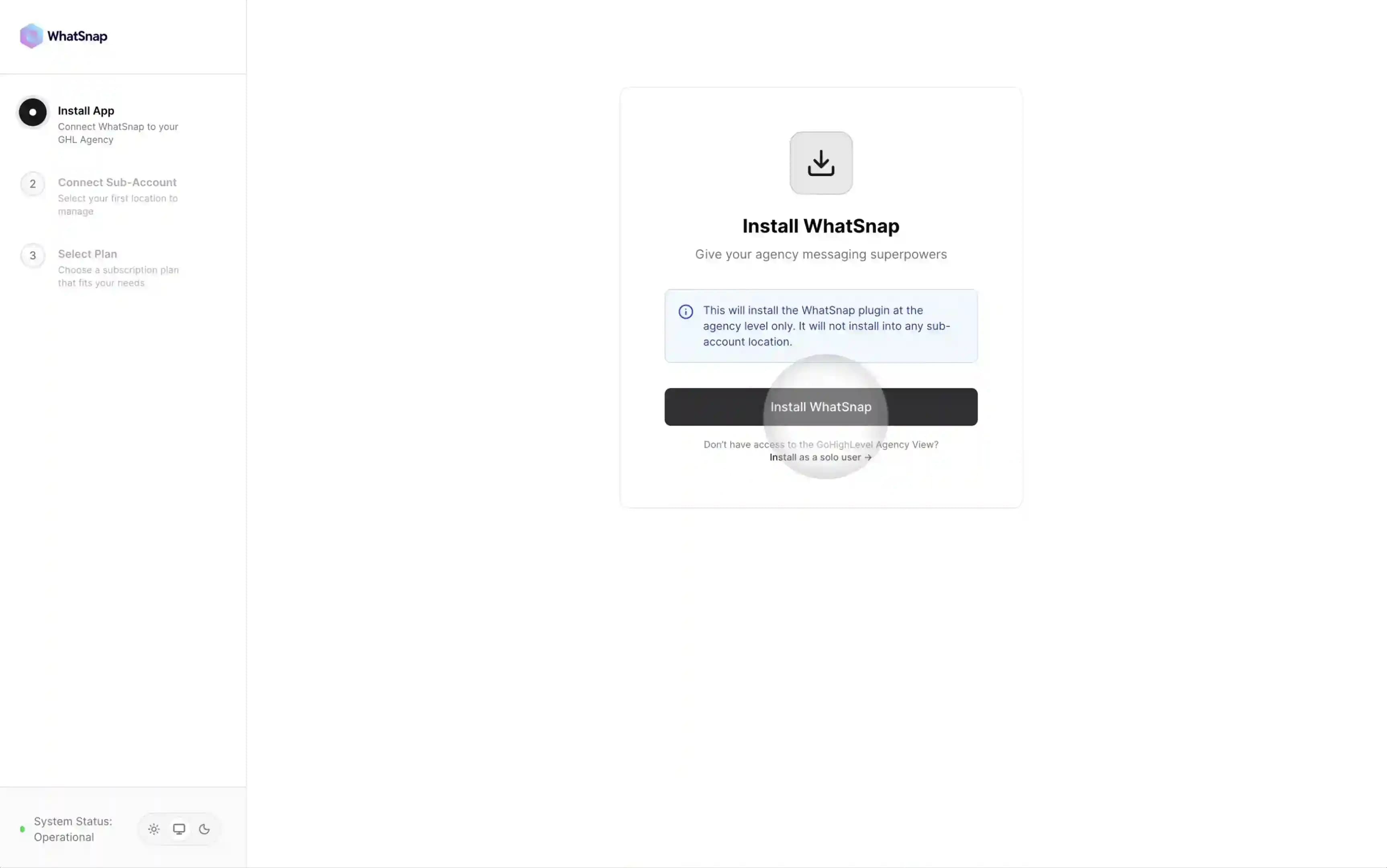
Start Installation
Once logged in, click the big Install WhatSnap button.
Important: Only choose "Install as solo user" if you are using GoHighLevel as a user inside someone else's agency. If you have your own GoHighLevel plan (any plan), you must install it as an agency.
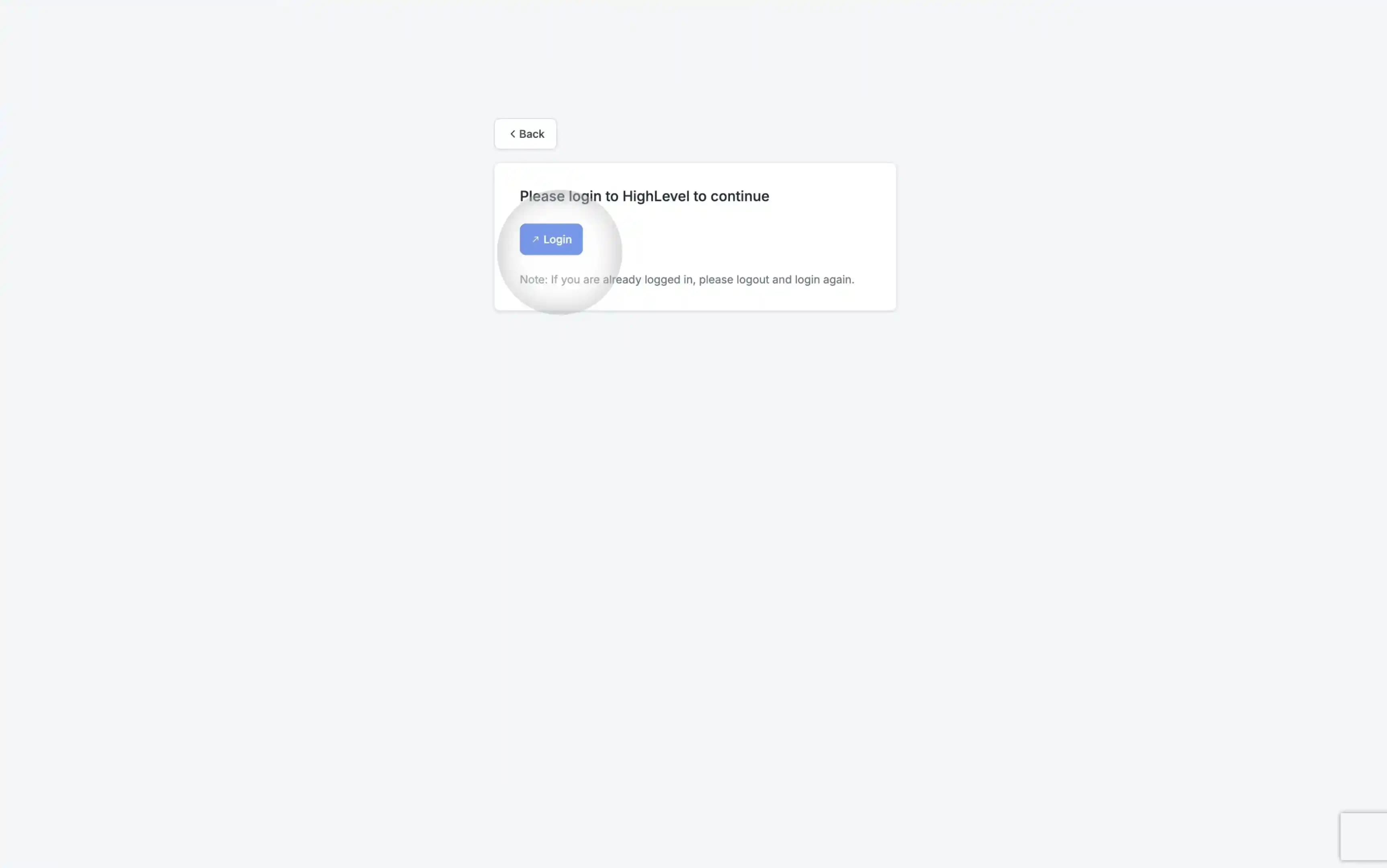
Login to GoHighLevel
You will be redirected to the GoHighLevel Marketplace. Log in with your agency admin credentials.
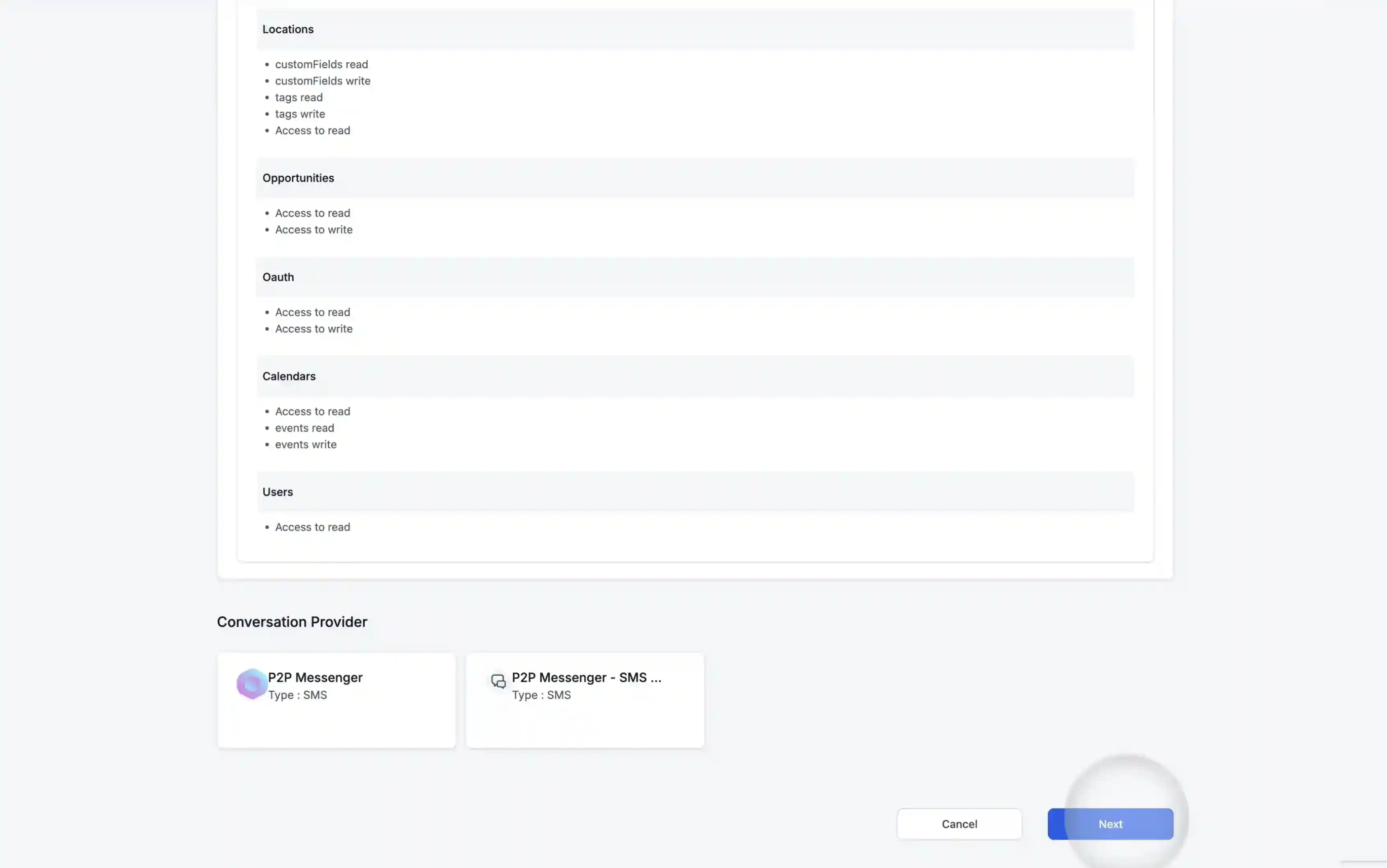
Authorize Permissions
Review the permissions required for WhatSnap to bridge your conversations and click Next.
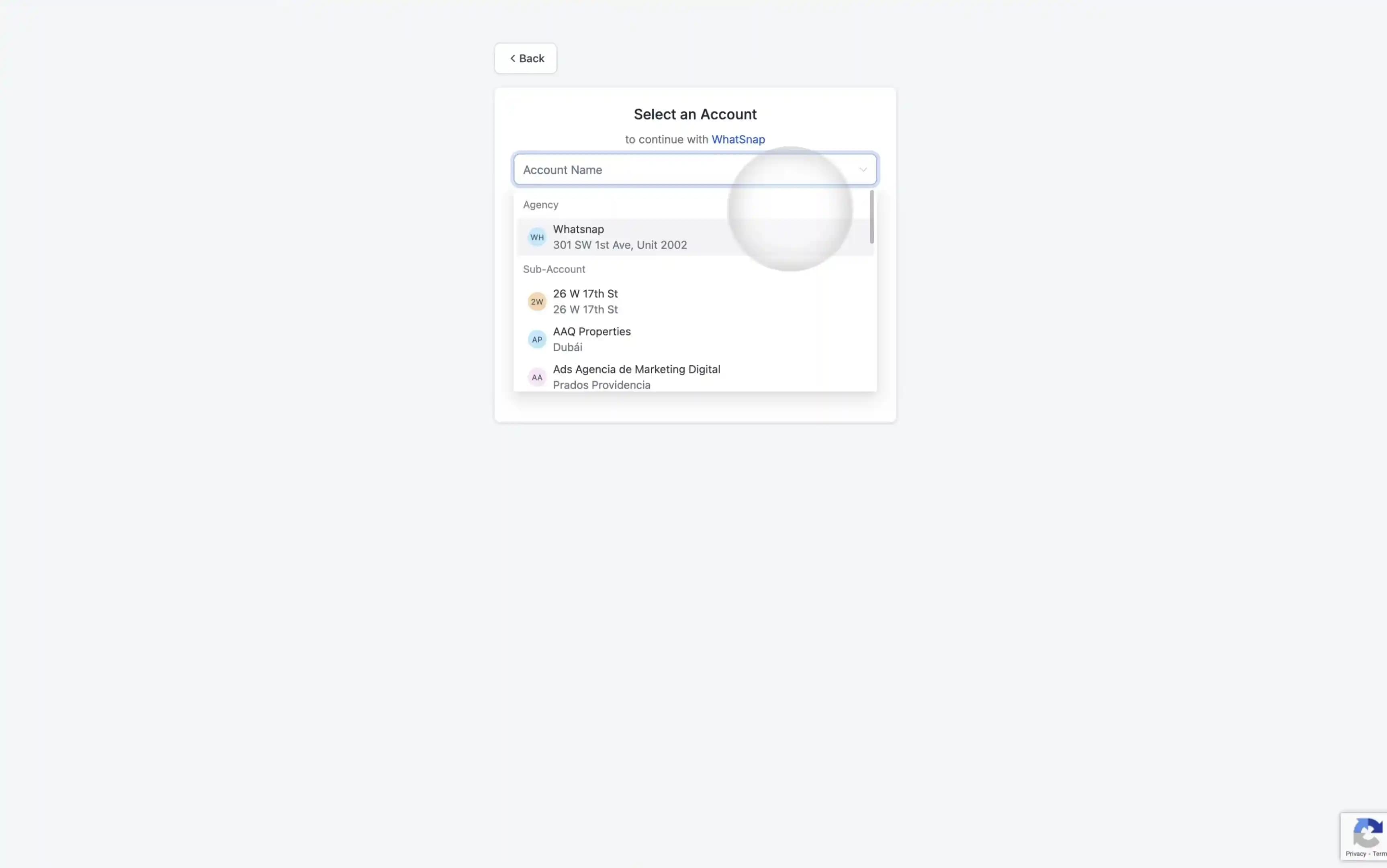
Select Your Agency
Select your Agency account from the dropdown.
Important: Even if you only want to use WhatSnap in one specific sub-account, you must select your Agency here. The plugin installs at the agency level first.
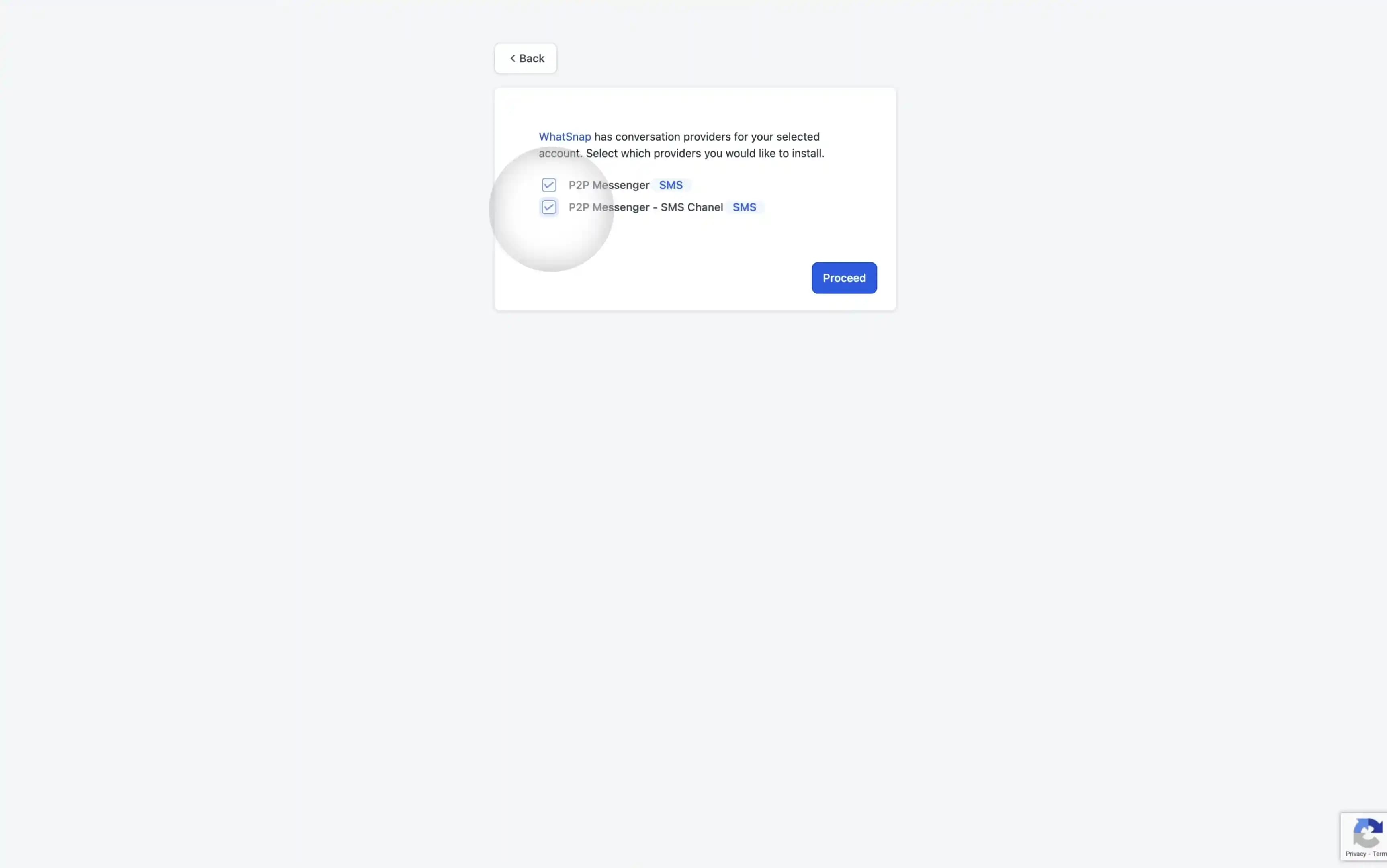
Install Conversation Providers
In this step, you will enable the messaging channels for your sub-accounts.
Critical Step: Ensure you check BOTH boxes for the conversation providers. This step is essential for the plugin to function correctly.
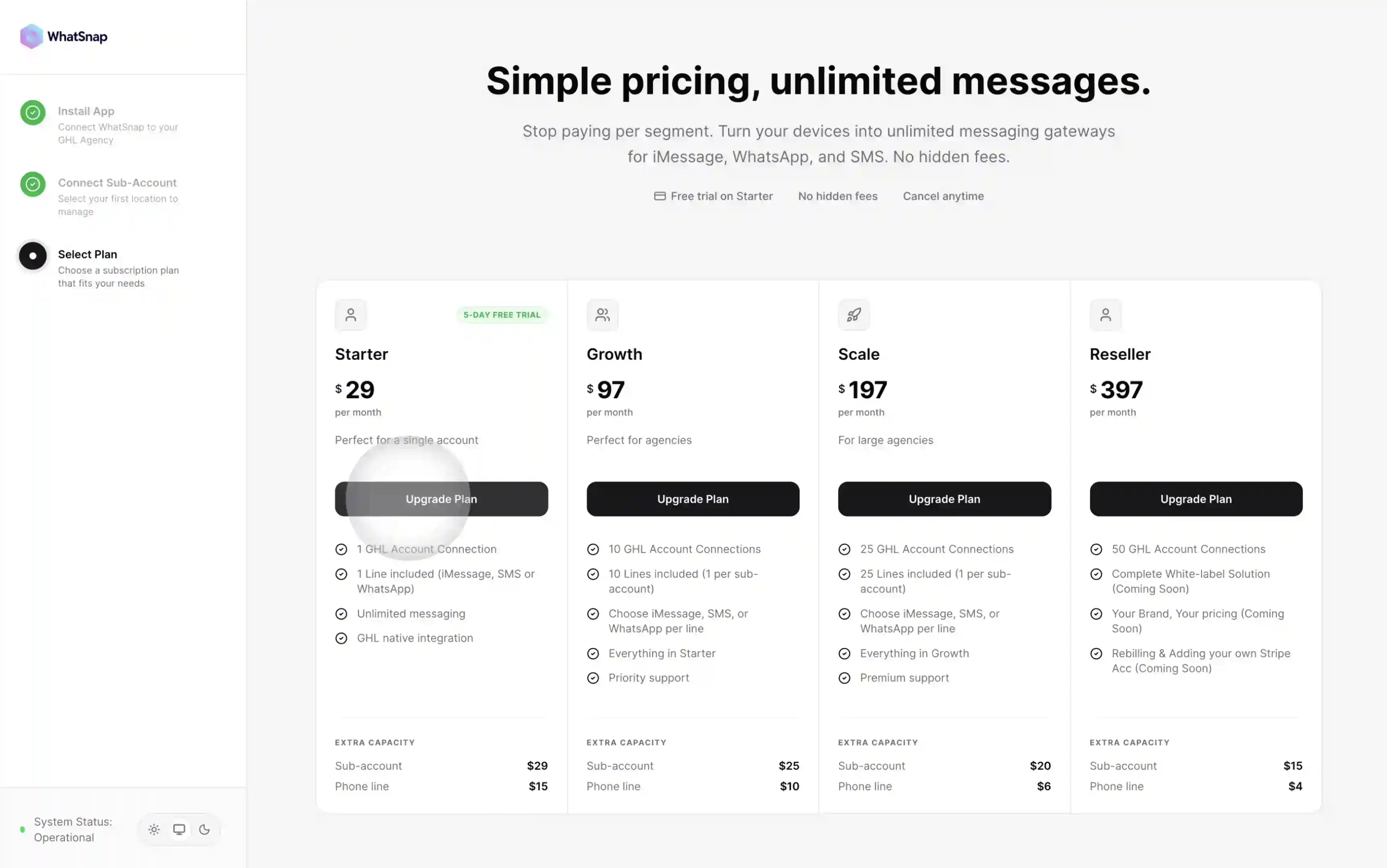
Activate Trial
Choose the Starter plan to begin your 5-day free trial. You won't be charged during this period.
Success and Dashboard Access
Congratulations! You have successfully linked WhatSnap to your GoHighLevel agency.
You will now see WhatSnap (labeled as P2P Messenger) appearing in your GHL Agency sidebar. You can manage your connection directly from the WhatSnap Manager or use the same view right inside your GHL agency dashboard.
The "P2P Messenger" Identity
In your GoHighLevel dashboard, you will find our tools under the name P2P Messenger. We use this branding to ensure your infrastructure remains white-label, allowing you to offer these premium messaging services under your own agency's authority.
Related
Last updated on January 26, 2026